forgehub. A small, independent toolbox

GOOD TOOLS. ZERO BAGGAGE.

Small tools.
Big headspace.

A few useful things for your digital day.
Open a tab, get it done, get back to life.
Find your next tool ↘
✓ Free to use✓ No sign-ups✓ Your files stay yours

Your everyday toolkit.

24
Small by design. Useful by default.
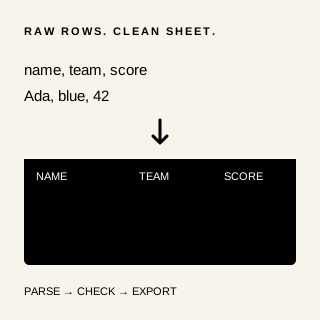
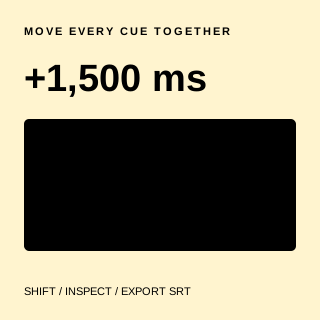
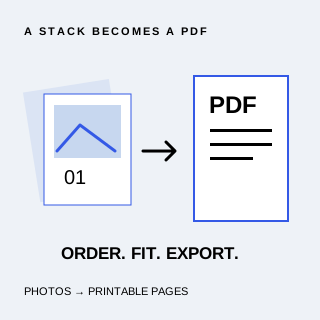
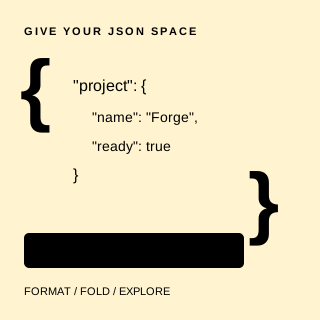
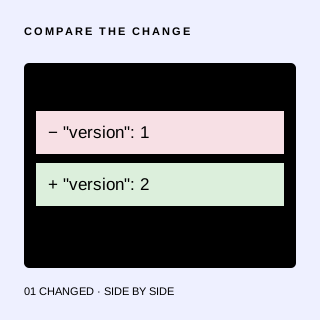
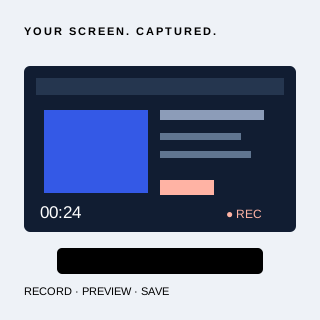
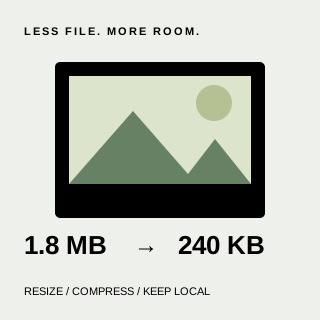
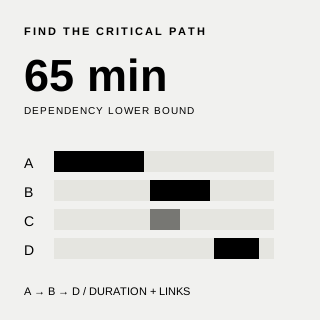
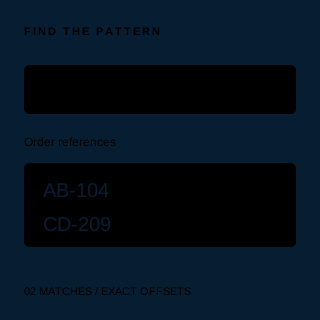
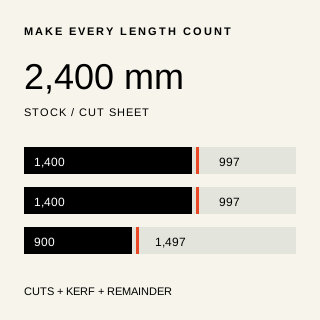
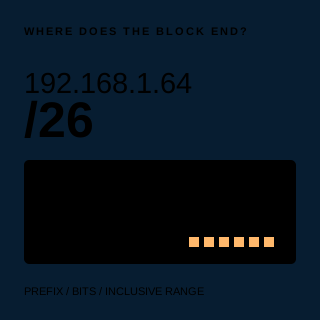
BROWSER TOOLBase64 Encoder/DecoderEncode UTF-8 text to Base64 or decode standard Base64 in your browser. Copy or download results locally, with strict validation and no uploads.Open app ↗BROWSER TOOLCirclecard FixturesGenerate a complete single round-robin sheet for 2–20 players or teams. Check every round, see individual opponents and download text locally.Open app ↗BROWSER TOOLContrast Pair DeskCheck two opaque sRGB hex colors against four WCAG 2 text contrast thresholds. Preview the pair and download a local plain-text report. No uploads.Open app ↗BROWSER TOOLCSV WorkshopClean a local CSV without uploading it. Trim whitespace, remove empty and duplicate rows, preview the result and download CSV in your browser.Open app ↗BROWSER TOOLCue Offset BenchShift pasted SRT subtitles earlier or later by a constant millisecond offset. Inspect every cue and download UTF-8 SRT locally, with no uploads or saved history.Open app ↗BROWSER TOOLEvenledger Trip SettlerSplit shared outing expenses equally, inspect exact cent allocations and settle group balances with a private, local text report. No accounts or payments.Open app ↗BROWSER TOOLImage to PDFCombine JPEG and PNG images into an ordered A4 PDF in your browser. Arrange pages, choose orientation and margins, then download locally. No uploads.Open app ↗BROWSER TOOLJSON Beautifier & ExplorerFormat, validate, minify and explore JSON locally. Preserve large numbers and duplicate keys, search nested values, and download without uploading your data.Open app ↗DEVELOPER TOOLSJSON MirrorSpot what changed. Compare two JSON documents with a clear, private, side-by-side diff.Open app ↗BROWSER TOOLKitchen ViewAnalyze pickleball movement from a local video or live camera. Calibrate the court, track players, explore heatmaps and export estimates in your browser.Open app ↗SCREEN RECORDINGLocalLoomShow it, don't explain it. Record your screen and download the video, right on your device.Open app ↗BROWSER TOOLMarkdown PreviewerWrite Markdown and see a live formatted preview. Import a local text file, try a sample and download your draft. No uploads or saved history.Open app ↗IMAGE TOOLSPixel PressLess file. Same feeling. Resize and compress images without sending them anywhere.Open app ↗BROWSER TOOLPNG to SVGTurn a local PNG icon or silhouette into real SVG paths. Adjust a black and white threshold, compare three previews and download locally without uploads.Open app ↗A LITTLE DOWNTIMEPocket ArcadeTake a three-in-a-row break. Challenge the computer or a friend on the same device.Open app ↗BROWSER TOOLPomodoro TimerSet custom focus and break intervals, pause and resume, and count completed focus sessions. A private browser timer with no accounts or saved history.Open app ↗BROWSER TOOLPrerequisite PathAnalyze task prerequisites, earliest and latest offsets, and critical tasks. Explore a dependency duration lower bound privately in your browser and export text.Open app ↗BROWSER TOOLQR Code GeneratorTurn text or a URL into a black-and-white QR code in your browser. Preview and download a PNG. No uploads, accounts, tracking or saved history.Open app ↗BROWSER TOOLRegex TesterTest JavaScript regular expressions with live highlights, flag controls and match offsets. Private, worker-based evaluation with no uploads or saved history.Open app ↗BROWSER TOOLSpacePakakPilot a spaceship through scrolling enemy waves, collect four upgrades and battle a boss every fifth wave. Play privately with keyboard or pointer controls.Open app ↗BROWSER TOOLStockstrip Cut PlannerPlan straight crosscuts from identical stock lengths. Account for saw kerf, inspect every assignment and download a private plain-text cut sheet in your browser.Open app ↗BROWSER TOOLSubnet Boundary DeskCalculate inclusive IPv4 subnet boundaries, masks and candidate membership locally. Inspect 32 address bits and download a complete text report without uploads.Open app ↗BROWSER TOOLUUID GeneratorGenerate a random UUID v4 in your browser, copy it with one click or select it manually. No accounts, uploads, analytics or saved history.Open app ↗BROWSER TOOLX-Ray MirrorExplore a live webcam mirror with face, hand and pose tracking and X-ray-style visual effects.Open app ↗

A little know-how.

All posts →

CONTACT US

Let's build something useful.

Have an idea, a question, or a project in mind? Get in touch with Vince, the developer behind ForgeHub.

Explore my portfolio

Vince Aaron Genodipa

AI systems & product engineer

Contact details and a message form, hosted by Lynkaro.

Useful tools, with guidance to match

A small collection of browser apps for comparing JSON, recording your screen, making images lighter and taking a game break. Pick a tool, do your thing, and keep your files on your own device.

How to get started

  1. Choose a ready app from the library. It opens in a new browser tab.
  2. Use the app's own controls to work with your inputs and download results when needed.
  3. Follow the app's Guides link to read related articles, with that app already selected in the blog filter.

About ForgeHub and its guides

Questions about ForgeHub

What is ForgeHub?

ForgeHub is a library of small browser apps and practical guides. It brings the collection together in one place so you can find a useful tool and open it directly.

Do I need an account to use ForgeHub?

No. You can browse the library, open the listed apps and read Field notes without creating an account or signing in.

Is ForgeHub free to use?

The apps and guides currently listed on ForgeHub are free to use. There is no subscription or purchase required to browse the collection.

How do I find something in the library?

Use the search field to find an app by name or description, or choose a category to narrow the list. Open app launches a ready tool in a separate browser tab.

What are Field notes?

Field notes are practical guides about the ForgeHub collection. Browse all articles or use the app filter to find guides related to a particular tool.

Does ForgeHub collect the files I use in its apps?

ForgeHub is designed around tools that process user content in the browser, without content uploads or accounts. Each app explains its own permissions, limits and download behavior. The Privacy page describes the site and hosting boundaries.

Do I need to keep the library page open?

No. Apps open independently in their own tabs. Closing the ForgeHub library page does not close an app you have already opened.

Where can I learn more about ForgeHub?

The About page explains the collection and its guides. The Privacy and Terms pages describe site-level data handling and usage conditions.

Built to be useful. Made to stay out of your way.

THE SMALL TOOL PHILOSOPHY

A home for useful things.

ForgeHub brings Daily Forge apps together in one quiet workspace. Open any ready app directly in a new browser tab from the library or dock.

Your work stays yours.

ForgeHub has no accounts, analytics, or content uploads. Apps work in your browser; downloads happen when you choose them.

/ Search apps · Esc Close about

New apps appear automatically as they become ready.